A transcript template you can adapt to your recording
Free transcript templates for interviews, focus groups and meetings: a source note, speaker key, notation and review ledger, ready to copy or download.
Try audio transcription free, in your browser →
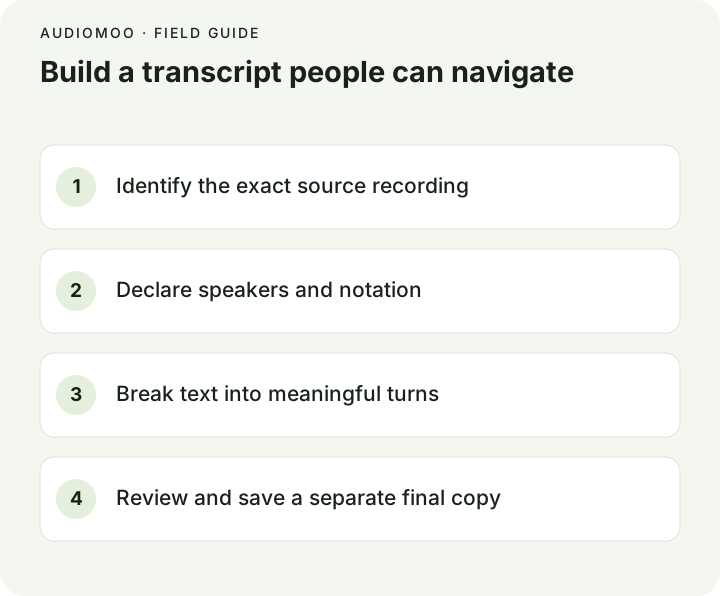
A good transcript template has four parts: a header that identifies the exact recording and the rules you followed, a speaker key, a short notation key for unclear speech and sounds, and the transcript itself with a timestamp at each turn. Add a review ledger at the end if anyone will need to check your work. Copy the general template below, or download a ready-made one for an interview, a focus group or a meeting.
Download a template
Plain-text files that open in any editor, Word or Google Docs:
- Interview transcript template (.txt) — two speakers, review ledger.
- Focus group transcript template (.txt) — moderator plus numbered participants, crosstalk and agreement markers, topic headings.
- Meeting transcript template (.txt) — agenda headings, decision and action markers, and a section that feeds straight into the minutes.
The general template
Title: Community garden interview
Source: garden-interview-original.m4a (unedited, 42:18)
Recorded: 2026-10-14, community hall
Transcript version: reviewed draft
Style: clean verbatim — fillers removed, every meaningful word kept
Time: elapsed from the beginning of the source recording

Speaker key:
INTERVIEWER — asks the questions
PARTICIPANT — interview participant (pseudonym “Maya”)

Notation:
[unclear 03:12] — speech that could not be resolved
[overlap]       — two people spoke at once
[pause]         — a pause relevant to the meaning
[Note: …]       — transcriber's note, not the speaker's words

[00:00] INTERVIEWER: When did the garden open?
[00:04] PARTICIPANT: We opened in May, after the rain stopped.

Review notes:
- 04:18 — verify the spelling of the street name — open
All names and dialogue are fictional.
What each field is for
| Field | Why it matters |
|---|---|
| Source filename, version and length | Timestamps only point to the right place in this file. A trimmed or re-exported copy breaks them. |
| Date and place | Lets a reader tell sessions apart and place the conversation in context. |
| Transcript version | Stops a draft from being quoted as if it were checked. |
| Style | Tells the reader whether “um”s were removed on purpose. See verbatim transcription. |
| Time basis | “Elapsed from the start of the file” prevents confusion with the clock time of the meeting. See timestamp formats. |
| Speaker key | Short labels in the text, full roles in one place; pseudonyms for shared transcripts. |
| Notation key | Readers can distinguish speech from your notes. |
| Review ledger | Shows what was checked and what is still uncertain, so a second reviewer does not start from zero. |
Choose the right level of detail
For a newsletter interview, clean verbatim reads better. For conversation analysis, hesitations and overlaps may be the data. State your approach in the header before editing: silently switching from exact speech to a polished paraphrase halfway through makes the document impossible to evaluate.
A transcript is different from a summary. If you replace three minutes of discussion with one sentence, label that passage as a summary, or keep it in a separate notes document.
Make speaker labels consistent
Choose labels that cannot be confused. SPEAKER 1 and SPEAKER 2 work when names are unknown; roles (INTERVIEWER, CHAIR, MODERATOR) are clearer when you know them. For focus groups, P1, P2… with a pseudonym key works well, plus UNKNOWN for a voice you cannot place. Keep a private key mapping pseudonyms to real people in a separate, secured file. Never guess a person’s identity from what they said.
AudioMoo produces a timestamped draft but does not label speakers; add labels while you listen. Speaker diarization explains why automatic labels need checking even when a tool provides them.
Fill the template from a machine draft
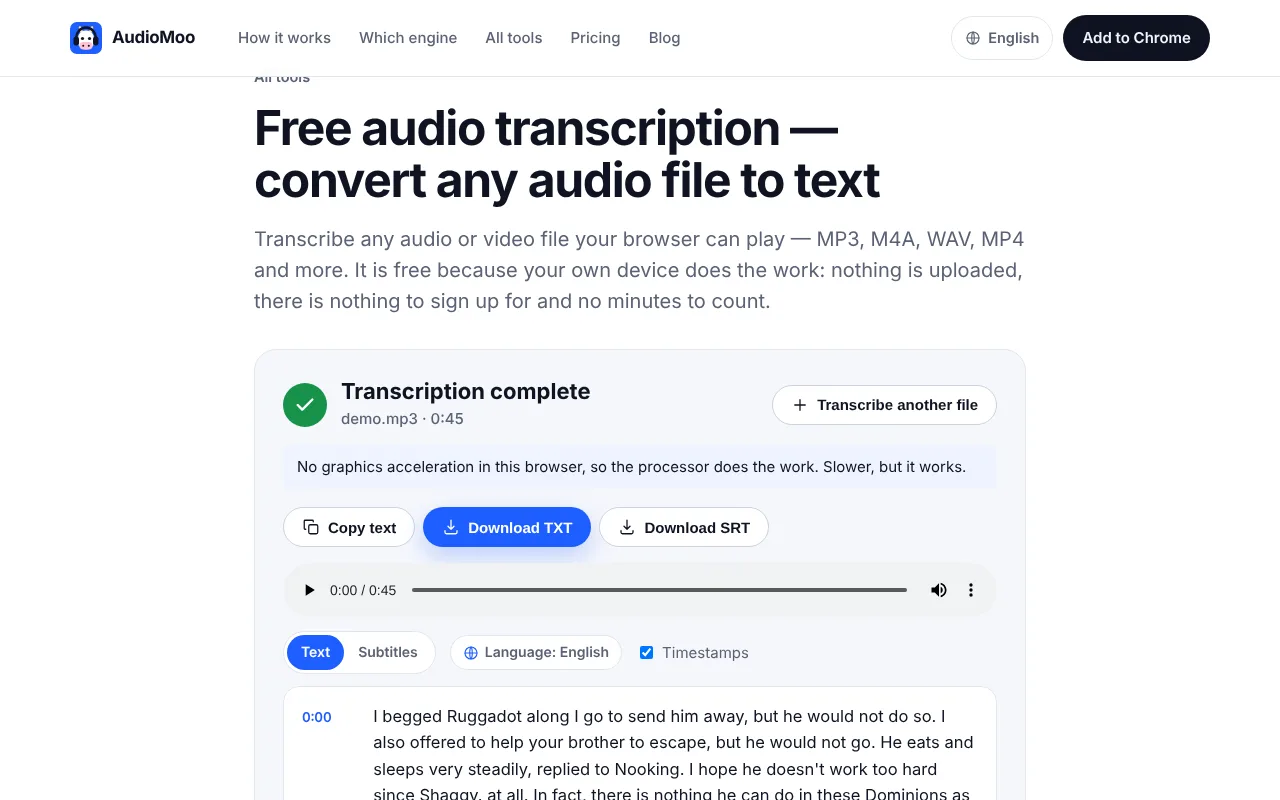
- Create a draft with audio to text. It runs in your browser and does not upload the file. Use Copy or download TXT.
- Paste it under the header, speaker key and notation key.
- Listen from the start, adding a speaker label at each turn and splitting paragraphs where the speaker changes. Keep the timestamps the tool added at the start of each paragraph.
- Mark uncertain words with their time instead of guessing, and log each one in the review ledger.
- Resolve the ledger, then save a final copy while keeping the draft.
Final handoff checklist
- The recipient can open the file and find the source recording it refers to.
- The style and notation are stated, and used consistently.
- Reviewed passages and unresolved ones are clearly distinguished.
- Pseudonyms are used where required, and the key is stored separately.
- For a video transcript meant for accessibility, relevant visual information is described in clearly marked notes, as the W3C’s transcript guidance recommends, and kept distinct from words attributed to a speaker.
Questions
Is there a standard transcript format? No single standard covers everyone. Courts, research projects and publishers each have their own. The template above contains the parts almost all of them share; adjust the style and notation to your rules.
Word, Google Docs or plain text? Draft in whatever you like, but keep timestamps and labels as plain text so they survive copying between programs. The templates here are plain text for that reason.
Should every line have a timestamp? No. One per speaker turn is usually enough for interviews; one per topic for lectures and long meetings.