Meeting transcription to minutes: turn speech into a clear record
Transcribe a meeting recording, then turn the transcript into minutes: what to extract, a worked example, a template, and how to check decisions and actions.
Try audio transcription free, in your browser →
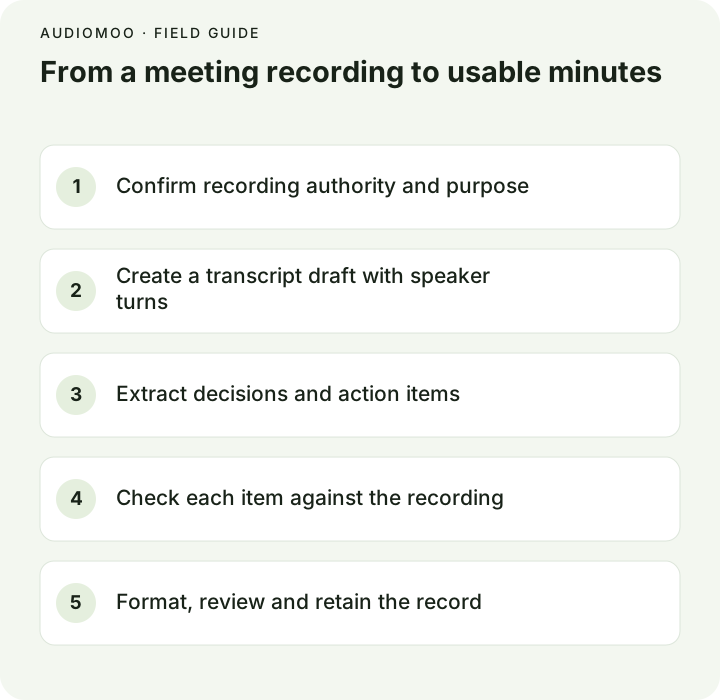
To turn a meeting into minutes, first get a transcript of the recording, then use it as evidence, not as the minutes themselves. Minutes are a short record of the meeting’s outcomes: who attended, what was discussed in a sentence or two per item, what was decided, and who will do what by when. Read the transcript item by item, pull out those four things, check each decision and action against the audio, and circulate the minutes as a draft until the chair or an authorized person approves them.
Transcript or minutes: which do you need?
| Transcript | Minutes | |
|---|---|---|
| What it records | What was said, in order | What was decided and agreed |
| Length for a one-hour meeting | Thousands of words | Usually one or two pages |
| Attribution | Every turn | Mainly decisions, motions and owners |
| Who reads it | People who need the detail, auditors, absent members checking a point | Everyone, including people who will never open the recording |
| Usually formally approved | Rarely | Often, at the next meeting |
Most teams need minutes. A transcript is the fastest honest way to write them, because you can search it for “agreed”, “deadline” or a person’s name instead of scrubbing through an hour of audio.
1. Check you may record and transcribe
Before the meeting, check your organization’s policy, whether participants must be told or asked for consent, and where the recording and transcript will be stored and for how long. Public bodies and regulated organizations often have records schedules. For US federal agencies, for example, NARA’s Bulletin 2023-04 says agencies are not required to record every video conference, and that a recording made only to produce minutes may be destroyed once the minutes are done, in line with the applicable schedule. Your rules may differ; follow them.
2. Get a transcript of the recording
Export the recording from your meeting tool, or use a phone or laptop recording. Video platforms usually have their own transcription — Zoom, for instance, can transcribe cloud recordings when the account has it enabled — and that is often the quickest path for an online meeting.
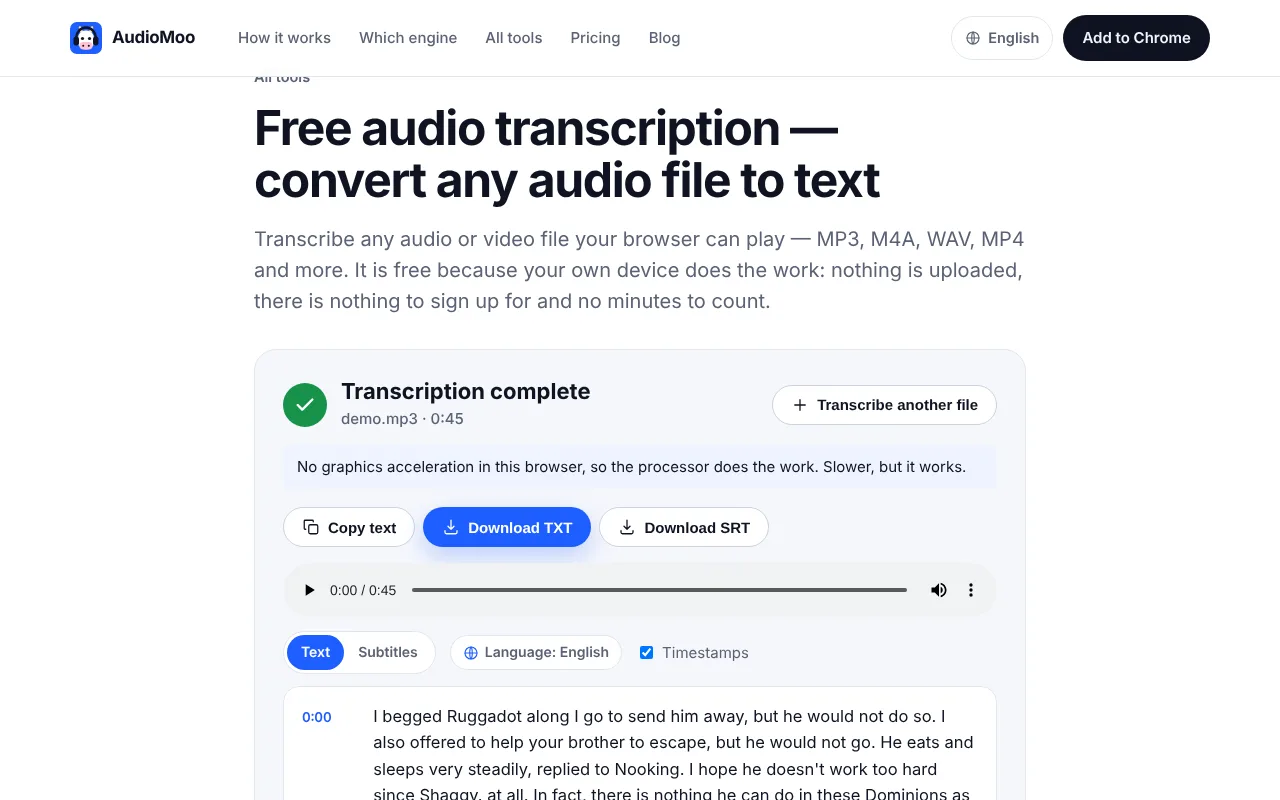
For an in-person meeting, a local recording, or when you would rather the audio did not go to another service, use audio to text or recording to text. They run in your browser and do not upload the file, so they suit confidential discussions. Two practical notes:
- Speakers are not labelled automatically. AudioMoo’s tools do not identify speakers. For minutes this matters less than you might think: you only need to attribute decisions and actions, and you can confirm those few points by listening. See speaker diarization for why automatic labels need checking anyway.
- Long recordings: MP3 and WAV of any length work in the browser tool; for M4A, MP4 and other formats the limit is about 35 minutes per file, so export a longer meeting’s audio as MP3 first.
3. Extract outcomes, not every sentence
Work through the transcript one agenda item at a time and fill a working table. The fictional example below shows how three passages become three different kinds of entry:
| Transcript passage (fictional) | Minutes entry |
|---|---|
| [00:14:20] CHAIR: “Let’s approve the revised schedule. Any objections? … Approved.” | Decision: Revised schedule approved. |
| [00:21:05] CHAIR: “Nina, could you send the updated copy by Friday?” NINA: “Yes.” | Action: Nina to send the updated copy — Friday 14 Nov. |
| [00:37:48] MARK: “We should revisit the budget once the vendor quote arrives.” | Open item: Revisit budget after vendor quote. No owner or date agreed. |
Three rules keep the minutes honest:
- A suggestion is not a decision. Record a decision only where the meeting clearly agreed or voted. Record a vote only if one happened.
- Never invent an owner or a date to make a line look complete. “No owner agreed” is useful information.
- Keep the timestamp in your working notes. When someone later asks “did we really agree that?”, you can play the exact moment.
A quick way to find the candidates is to search the transcript for words that tend to surround outcomes: agree, approve, decide, vote, action, by Friday, deadline, owner, will send, follow up, next meeting. Then read a few lines either side of each hit.
4. Draft the minutes in a repeatable structure
Meeting: Garden committee — monthly
Date and time: 2026-11-07, 18:00–19:05 · Location: Library room B
Present: A. Chair (chair), N. Patel, M. Ortiz, S. Kim
Apologies: J. Lee
Minutes by: S. Kim · Status: DRAFT — not yet approved

1. Planting schedule
   Discussion: Revised dates presented; no objections.
   Decision: Revised schedule approved.
   Action: N. Patel to circulate the updated schedule — Fri 14 Nov.

2. Budget
   Discussion: Vendor quote not yet received.
   Open item: Revisit when the quote arrives. No owner agreed.

Next meeting: 2026-12-05, 18:00
Summarize discussion neutrally, in a sentence or two. Keep exact quotations only when the precise wording matters, such as the text of a motion. Then send the draft to the chair before circulating it.
5. Check before you circulate
- Every decision and action is traceable to a timestamp in the transcript.
- Names, dates, amounts and deadlines match the audio, not your memory.
- Nothing in the minutes was only suggested but written as decided.
- Confidential matters are handled as your organization requires (some go into separate, restricted minutes).
- The minutes are marked draft until approved.
Afterwards, keep or delete the recording and transcript according to policy. If the recording existed only to produce the minutes, your schedule may allow it to be deleted once they are approved.
How long does it take?
Use the planner below to reserve time. Enter the length of the recording and your own minutes of work per minute of audio: someone skimming a clean transcript for outcomes might need well under one minute per minute of audio, while checking every attribution in a contentious meeting takes far longer. It is arithmetic for planning, not a prediction.
Questions
Should minutes name who said what? Usually only for motions, votes and actions. Many organizations deliberately avoid attributing discussion, to keep minutes short and neutral.
Can AI write the minutes from the transcript? It can produce a first draft, but the same rules apply: check every decision, owner and date against the recording, because a summary model can turn a suggestion into a decision or invent a deadline.
Should I attach the transcript to the minutes? Not by default. Store it where people who need the detail can find it, and follow your retention rules.
Plan your transcription time
An arithmetic planning estimate using your chosen ratio. It does not predict processing speed or human performance.
Recording minutes × work ratio = work minutes.